MITUTOYO - U-WAVE / USB Input Tool / DP-1VA LOGGER : Measurement Data Management System | JSR GROUP
July 02, 2026
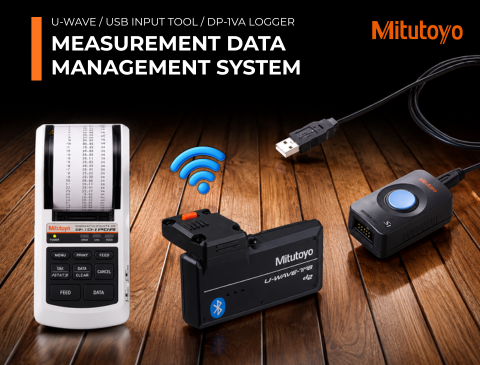
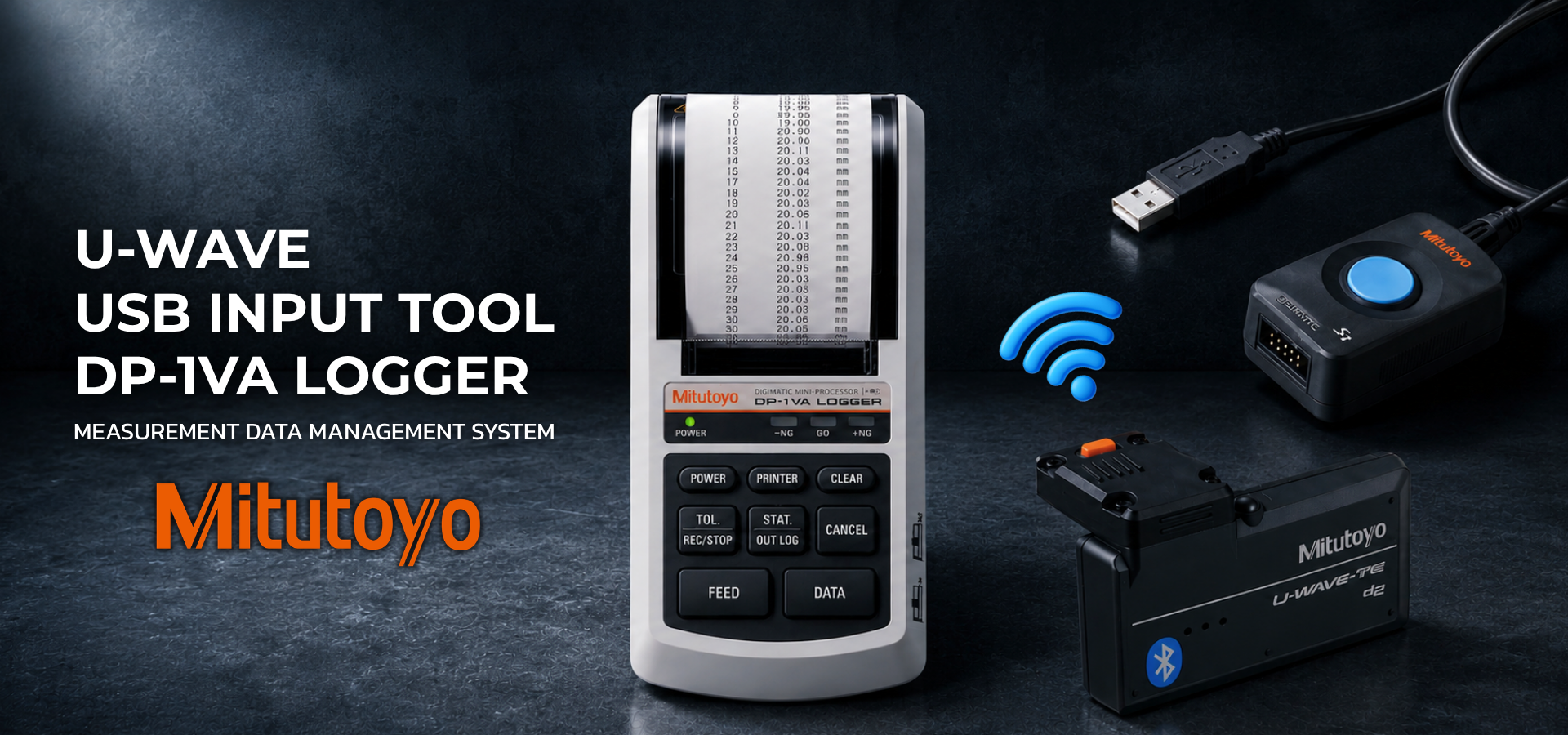
U-WAVE / USB Input Tool / DP-1VA LOGGER
Measurement Data Management System
“Visualization of Quality” Increases the Competitiveness of Manufacturing.
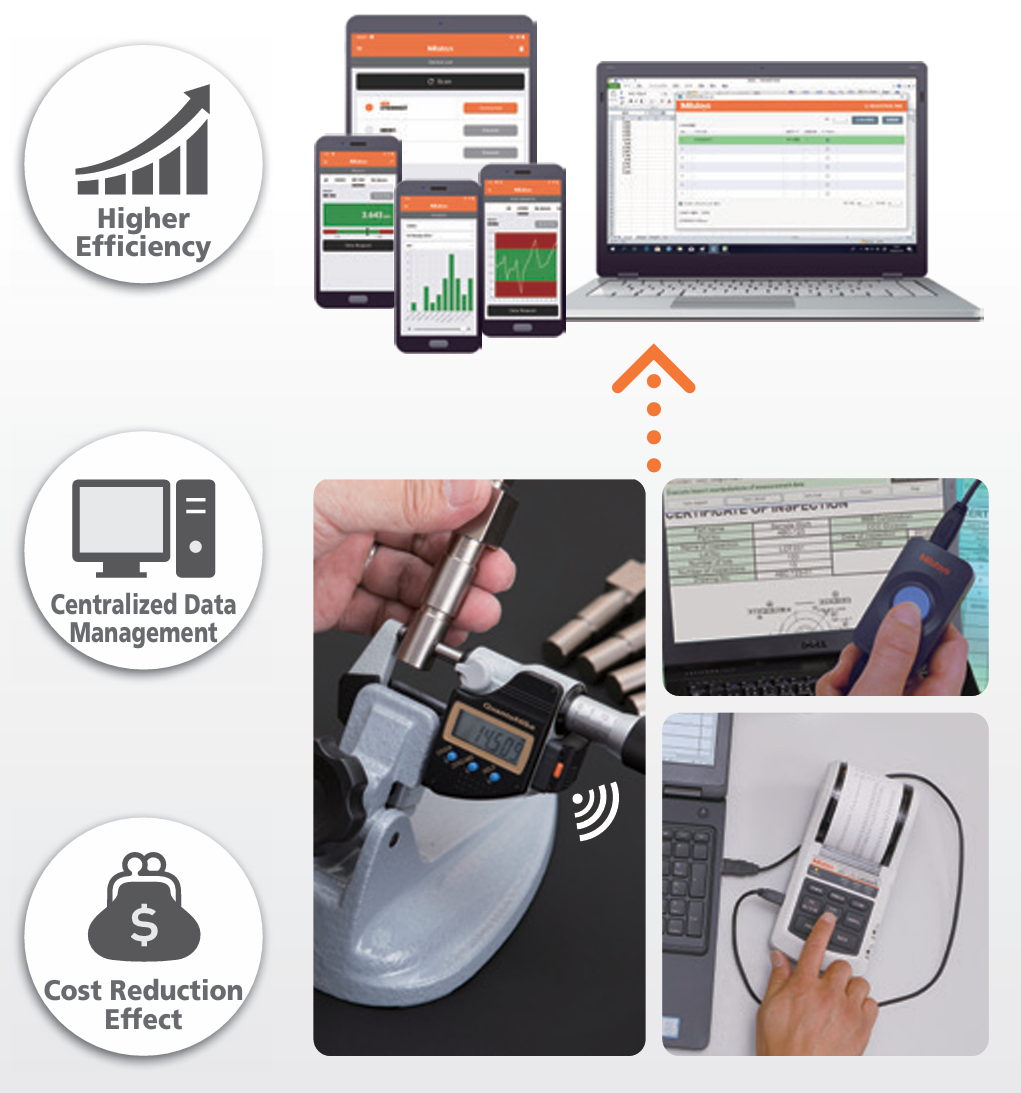
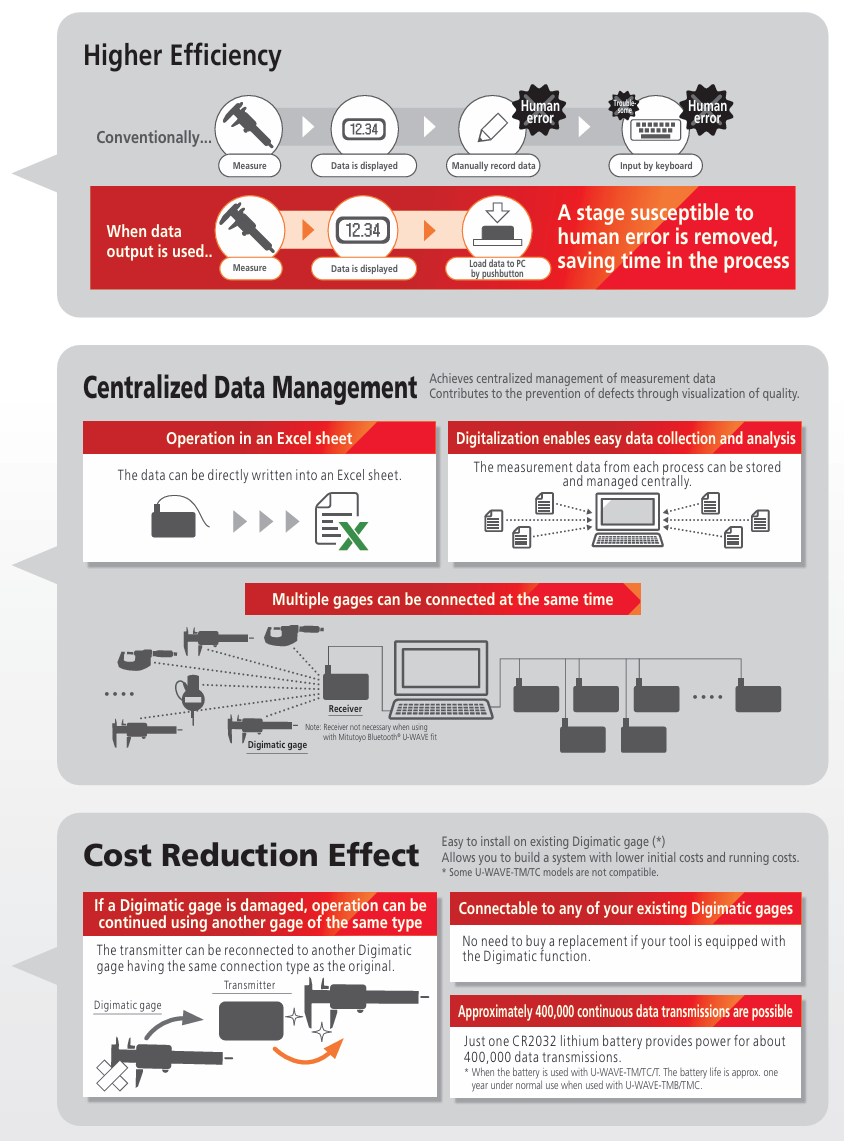
Breaking away from handwritten records and embracing centralized management of measurement data can lead to an increase in quality and efficiency in the future.
 |
 |
Steps to Achieving “Visualization of Quality”
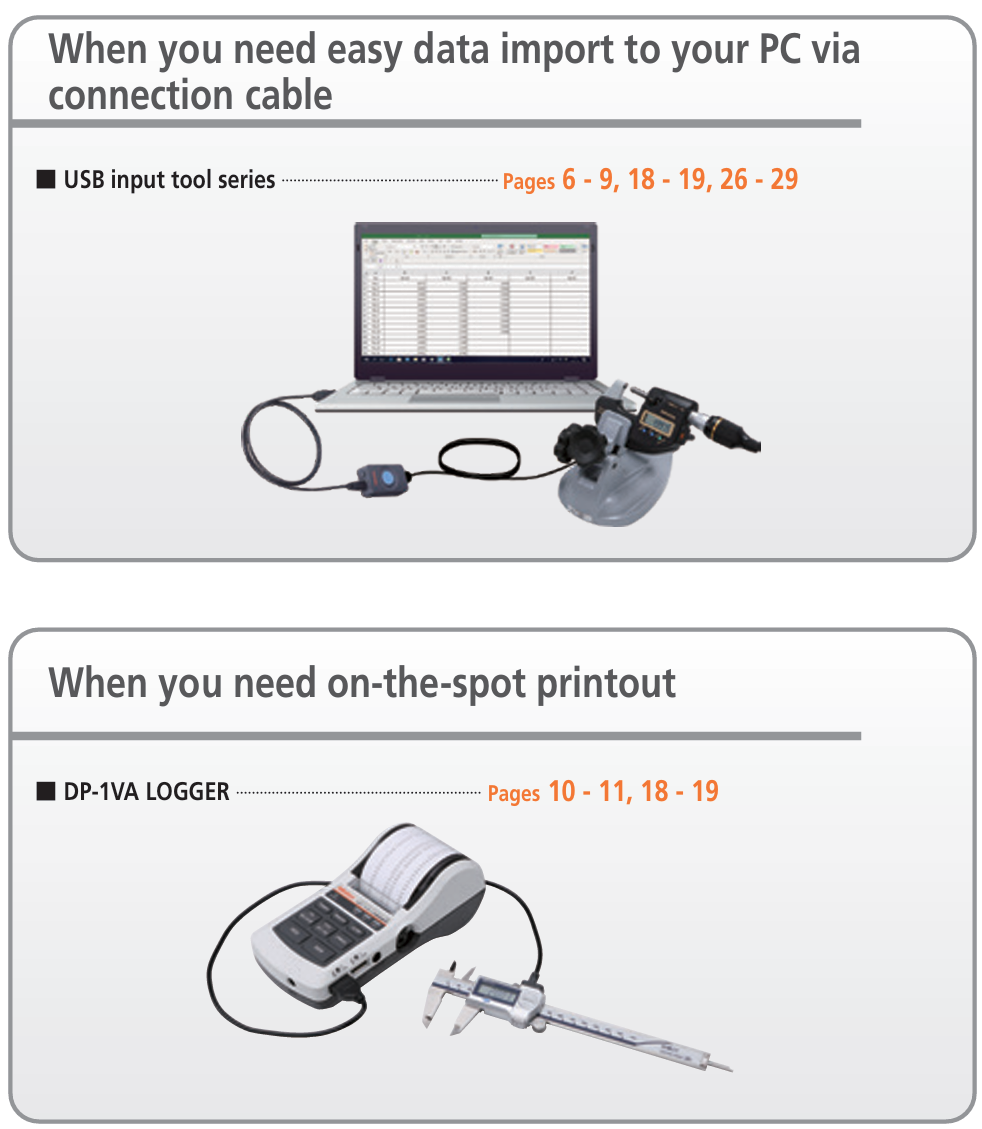
Select your desired data communication method.
 |
 |
Measurement Data Input Unit
USB Input Tool
Simple and robust option to collect data from a digimatic gage.
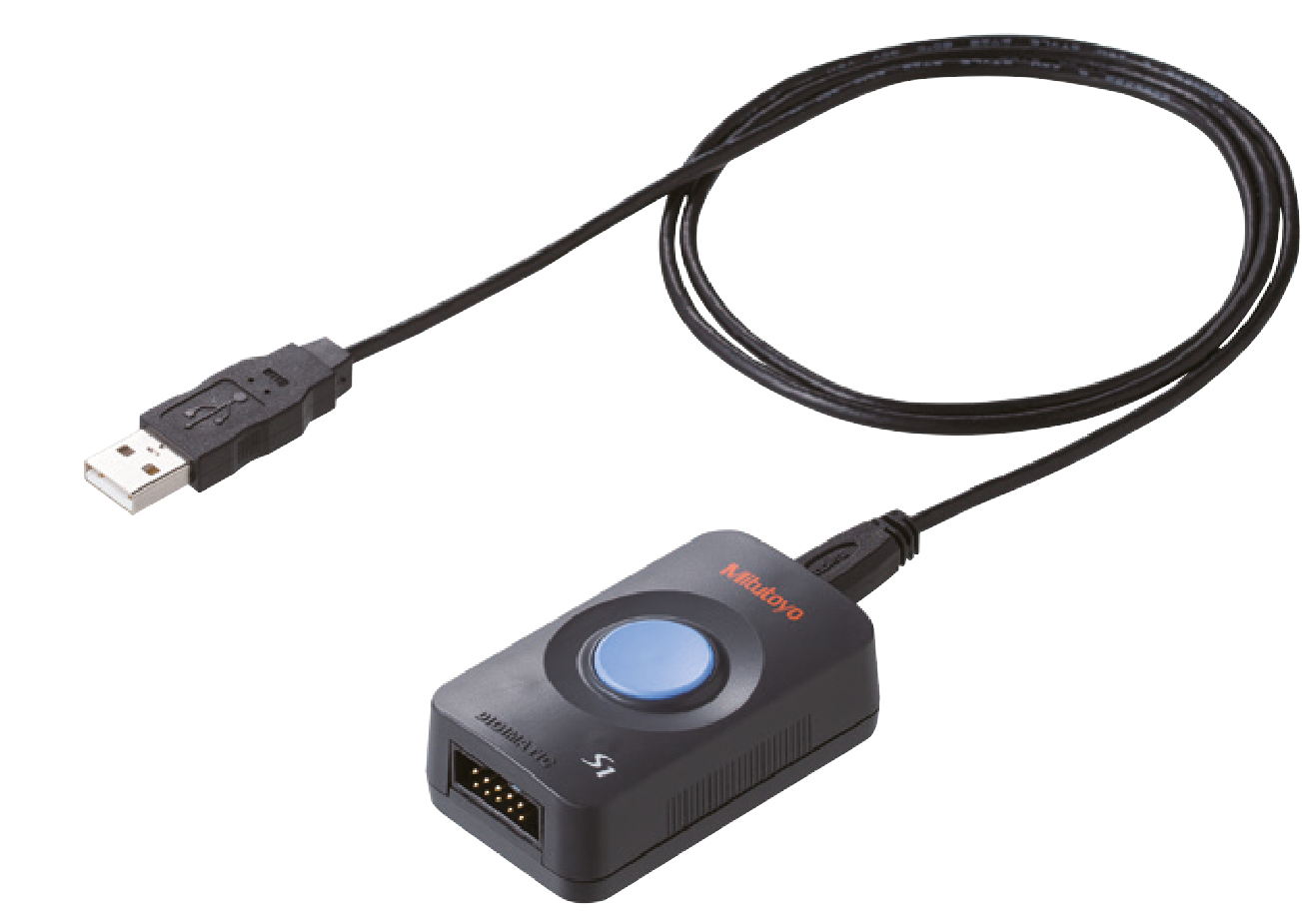 |
Measurement data can be sent to a PC with a single switch. |
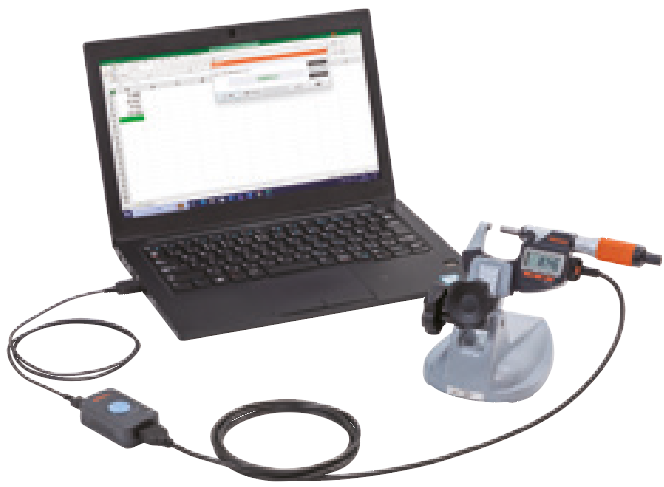
Simply connect it to the USB port of your PC for automatic recognition, add your digimatic data cable and gage for immediate use
If you have a Digimatic gage with an output terminal and a PC, you can import the data into whatever record format you normally use (Excel, Word, Notepad, etc.).The ergonomic data button is isolated from the gage where it might otherwise introduce unwanted movement. A 3.5mm jack socket allows attachment of an optional foot switch.Most suitable tool for taking the first step in breaking away from handwritten records and digitizing quality records.
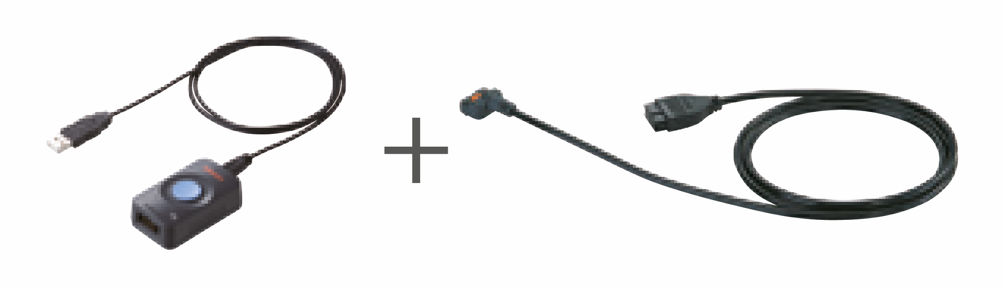
Pair with the appropriate digimatic data cable to suit your gage. (Refer to page 18)
Can be used with your own Digimatic gage with an output terminal
You may already own a measuring tool that can be used. See the photographs below to check whether it has a Digimatic output connector. The connector type may be different, depending on the measuring tool model. See the list showing measuring tool compatibility on pages 8 to 9 and 18 to 19.
|
Digimatic Indicator |
Digimatic Micrometers |
Coolant-proof Digimatic Micrometer |
Digimatic Height Gage |
Hardness Testing Machine (rear view) |
Production Line Surface Roughness Measuring lnstrument |
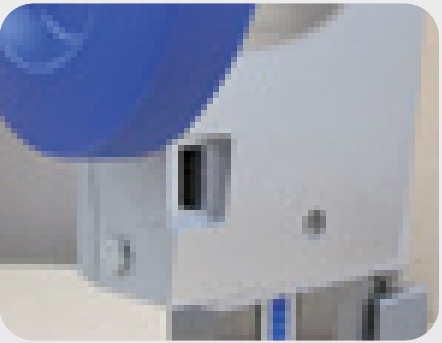
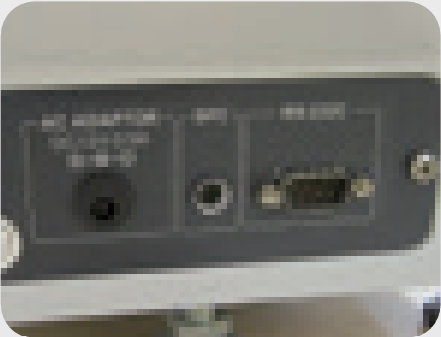
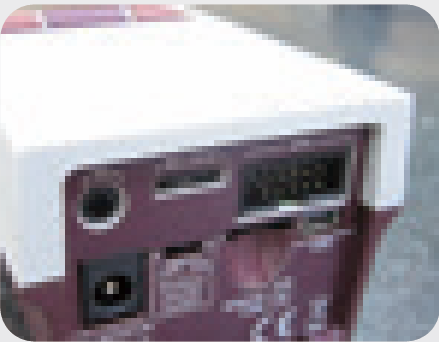
Input Tool System Configuration/Specifications
USB Input Tool Direct (USB-ITN)
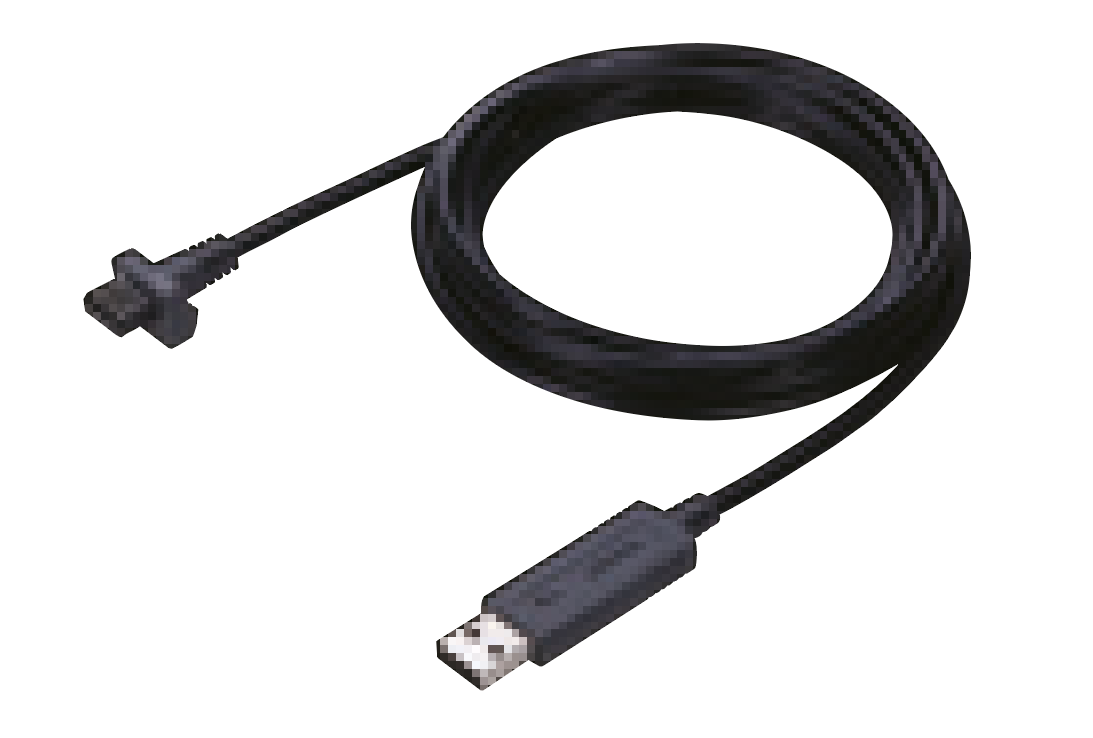 |
- Converts measurement data to keyboard signals and directly inputs them to spreadsheet software such as Excel and Notepad. -When using with optional software (see page 26), you can easily create Microsoft Excel worksheets, enabling further improvement of work efficiency. |
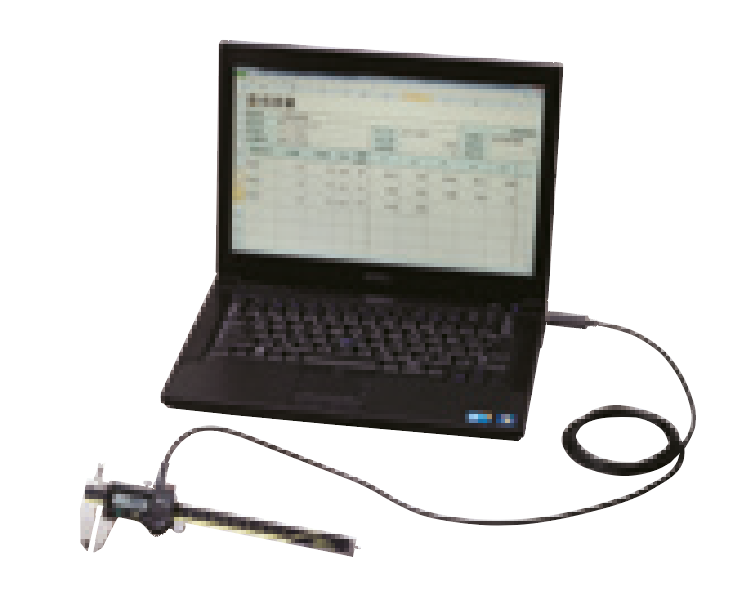 |
USB-ITN System Configuration
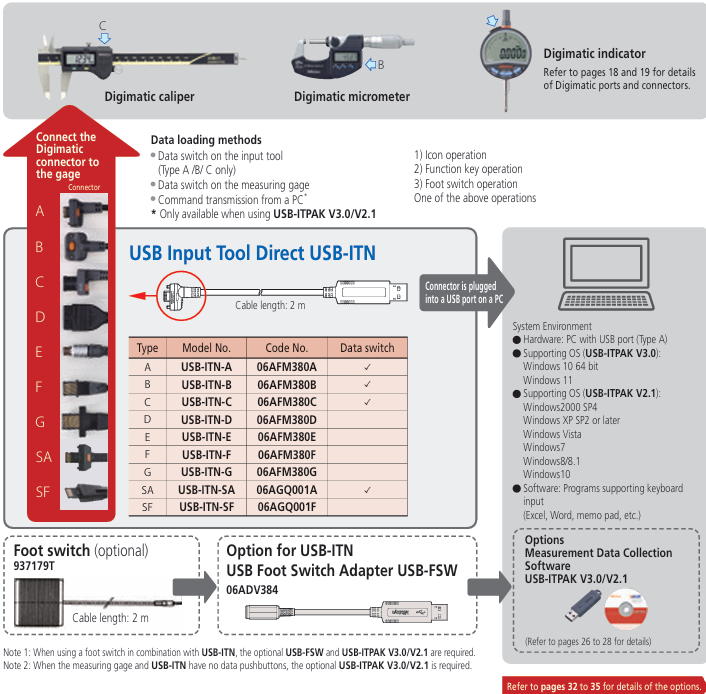
Main Specifications of USB-ITN
Output specification: USB2.0 or USB1.0 Supported driver software: Changeable between two types 1) Stand-alone: HID keyboard device*
2) Using USB-ITPAK V3.0/V2.1: Virtual COM port (VCP) Communication speed: 12 Mbps (Full Speed) Power source: USB bus power
Mass: 59 g USB2.0 certificate Conforms to EU EMC Directive
* Since this device is compatible with Windows standard driver software, dedicated driver software is not required.
Note: Information regarding USB-ITPAK V3.0 can be downloaded from our website.
Input tool series (IT-020U/IT-007R)
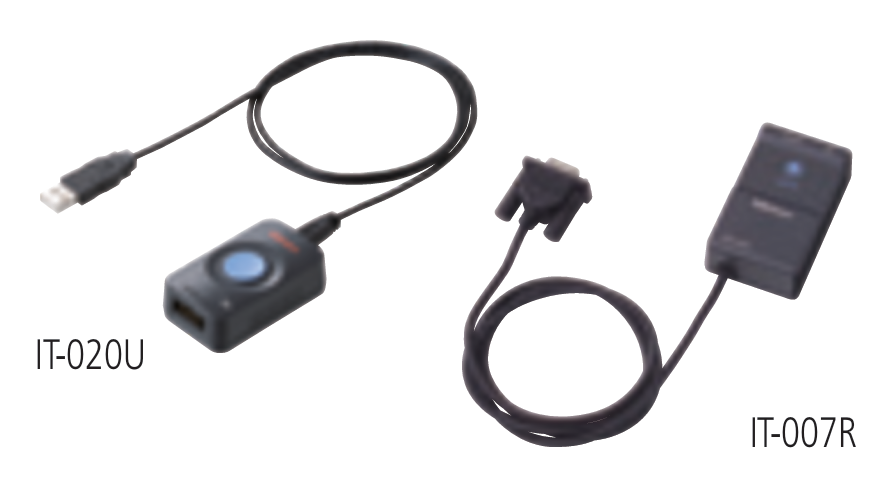 |
- IT-020U is an easy-to-use, expandable input tool with a large data switch and a foot switch connector. - It can be connected to various types of measuring instruments using optional connection cables. - When using with optional software (see pages 28 to 29), you can easily create Microsoft Excel worksheets, enabling further improvement of work efficiency. - IT-007R is an RS-232C communication type input tool that can be controlled by data request commands from a PC. |
IT-020U/IT-007R System Configuration
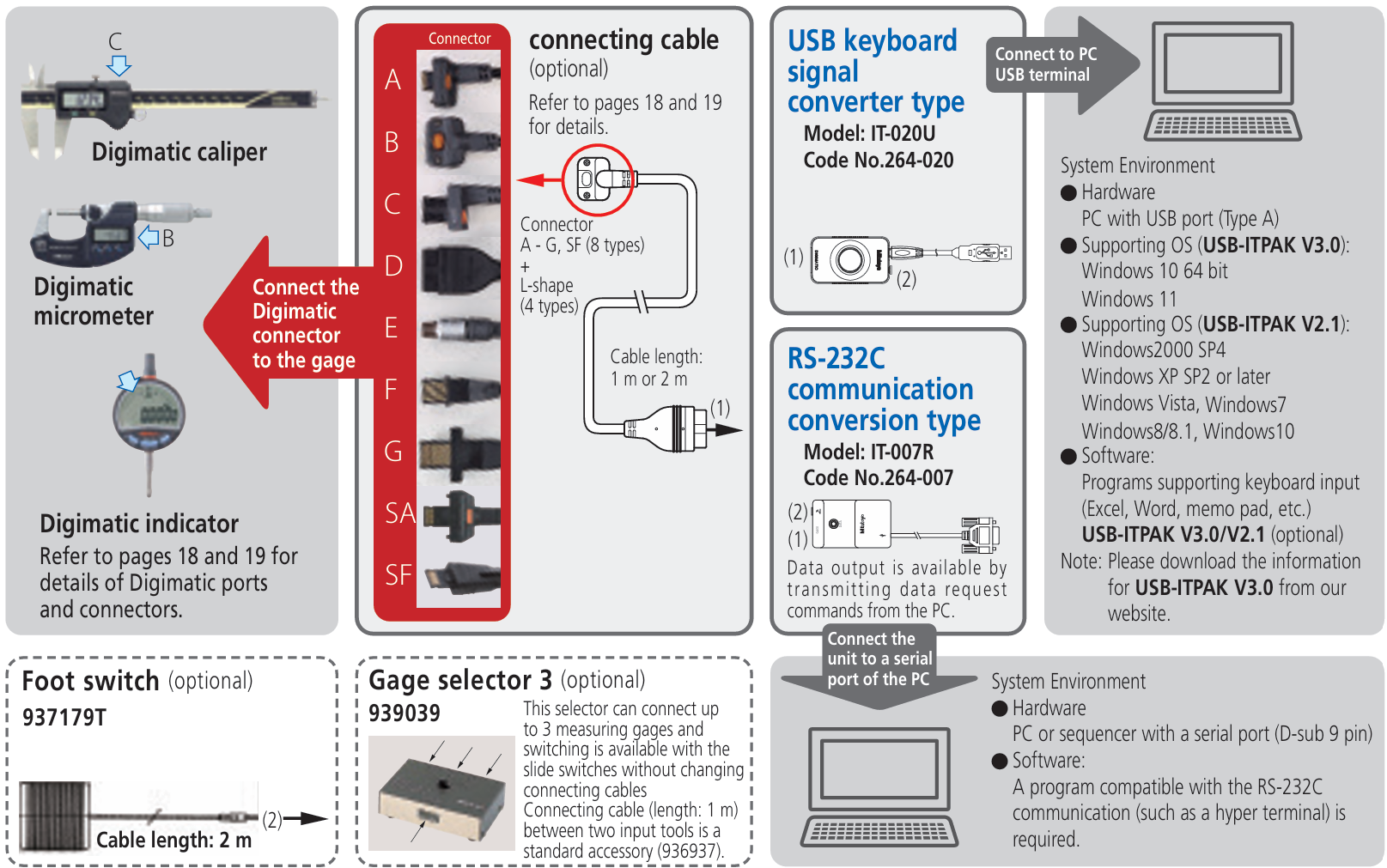
Main Specifications of IT-020U
Output specification: USB2.0 or USB1.0
Supported driver software: Changeable between two types 1) Stand-alone: HID keyboard device* 2) Using USB-ITPAK V3.0/V2.1: Virtual COM port (VCP)
Communication speed: 12 Mbps (Full Speed) Power source: USB bus power USB2.0 certificate Conforms to EMC Directive
* This product is compatible with the standard driver software for Windows. No dedicated driver software is required.
Specifications of IT-007R RS-232C Communication
Output specification: RS-232C compliant
Communication method: Full duplex
Communication speed: 2400 bps (fixed)
Bit configuration: Start bit · · ·1/ Data length · · ·8 (Most significant bit, 0 (fixed))
Prity · · · · · ·None/ Stop bit · · · · · ·1
Flow control: None
Home position: DCE (modem definition)
Mini-Printer Equipped with Data Logging Function
DP-1VA LOGGER
When you need on-the-spot printout
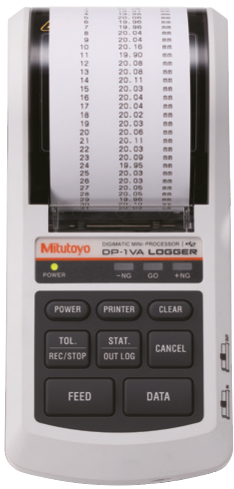 |
Measurement data can be printed on the spot and also be sent to a PC.
|
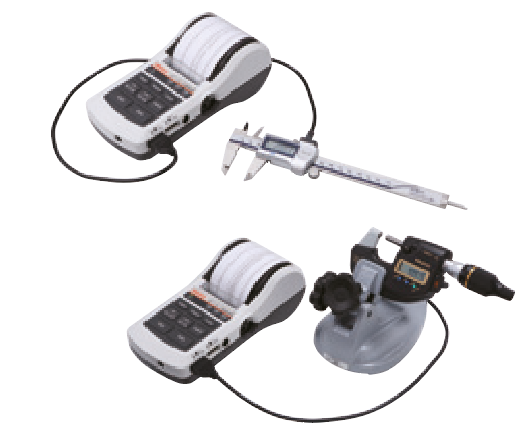
Portable for on-the-spot output
This small, portable printer can be used to print measurement data from Digimatic gages and perform statistical calculations. It has a 2-way power supply system, providing excellent mobility and flexibility. Being portable, it allows you to output measurement results from a Digimatic gage on the spot. It is a powerful tool for streamlining quality control and improving quality.
Highly effective for quality checking
The DP-1VA LOGGER has high functionality. Not only is it capable of printing measurement data from Digimatic gages, performing various statistical calculations, and producing histograms and D charts, but it is also capable of performing complex
calculations for X-R control charts.
Up to 1,000 data items can be saved in the device using the data logger function. By connecting it to a PC with a USB cable (optional), you can transfer all saved data to your own Excel forms with a single touch.
Example of printout
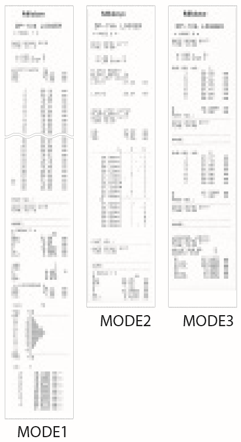 |
MODE1 Various statistical calculations are executed using all input data. If the tolerance limits have been set, GO/±NG judgment and histogram creation are also enabled. MODE2 In addition to the MODE1 function, measurements within the tolerance limits are printed out as a D chart*. This chart allows MODE3 Only input of data automatically enables calculation processing of complex control limit values as well as calculation for creating an Xbaar-R control chart. |
Example of batch printing log data
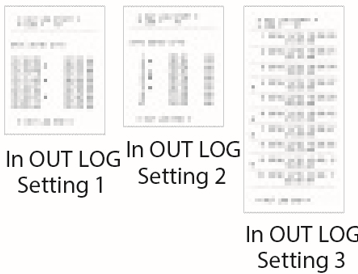 |
In OUT LOG Setting 1 This setting allows printout of measurement time, measurement value, and GO/±NG judgment result. In OUT LOG Setting 2 This setting allows printout of measurement time, measurement value, and GO/±NG judgment result. In OUT LOG Setting 3 This setting allows printout of data number, measurement date and time, measurement value, and GO/±NG judgment result. |
Options
For details, see pages 18 to 19.
|
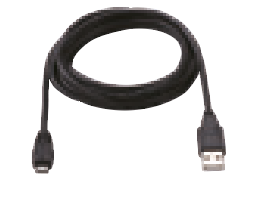
USB cable (A-microB) (optional)
Code No. O06AFZ050 |
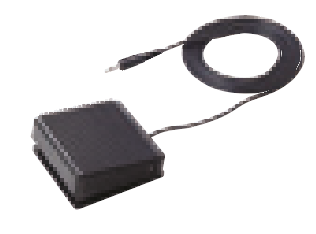
Foot switch (optional)
Code No. 937179T |
Measurement Data Wireless Communication System
USB Input Tool Direct (USB-ITN)
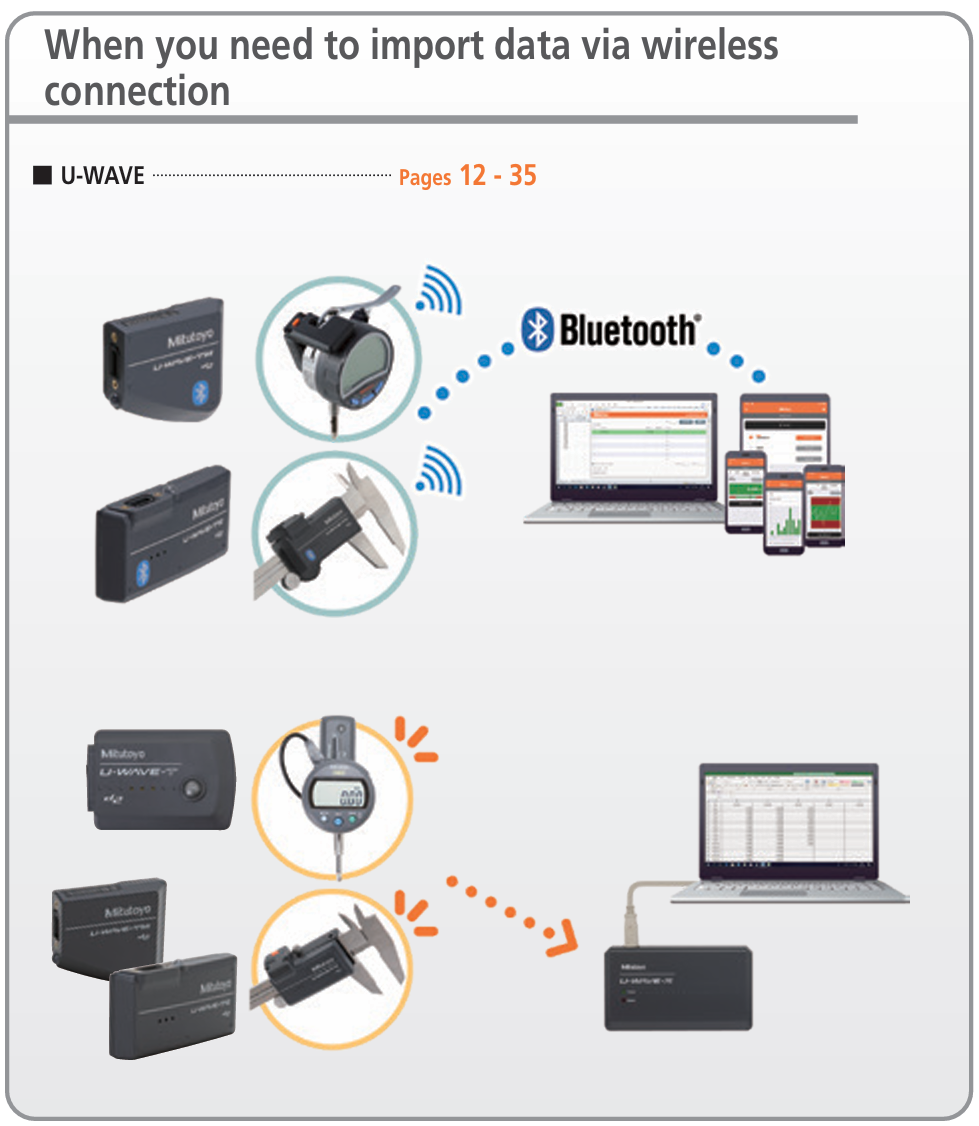
When you need to import data via wireless connection
|
|
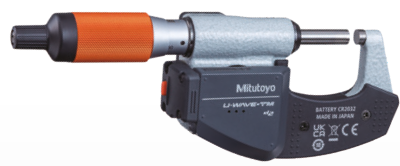
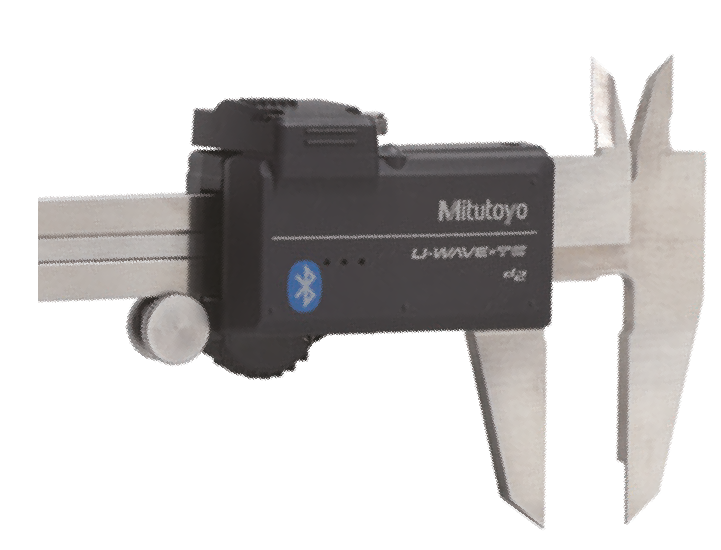
Measurement data can be sent wirelessly to a PC, smartphone or tablet.
|
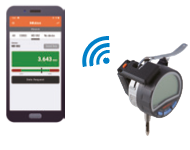

Record measurement data wirelessly Achieve smart measurement
Measurement results can be sent wirelessly and saved on a PC, smartphone or tablet. We have created a smart system that does not require handwriting or manual input from a keyboard.
What is the U-WAVE Series ?
“U-WAVE”, the measurement data wireless communication system, collects data in the inspection process swiftly and accurately, and increases a company's competitiveness based on detailed data analysis.
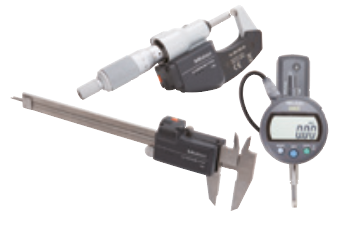
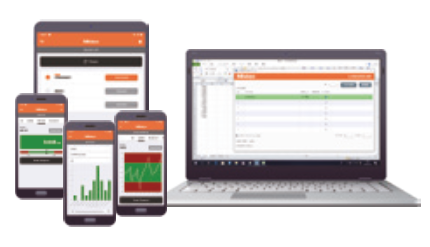
| Acquire measurement data from various Digimatic gages equipped with U-WAVE. | Instantly transfer data wirelessly to your PC, smartphone or tablet. | |
 |
 |
Wireless transfer expands measurement possibilities
Stable communication is possible up to a maximum communication distance of 16-20m*.
Efficiency is greatly improved by being able to work without worrying about cable length or snags, etc.
| Freedom of movement | Flexible layout of measurement site | |
| Human error during manual input is eliminated | Human error during manual input is eliminated |
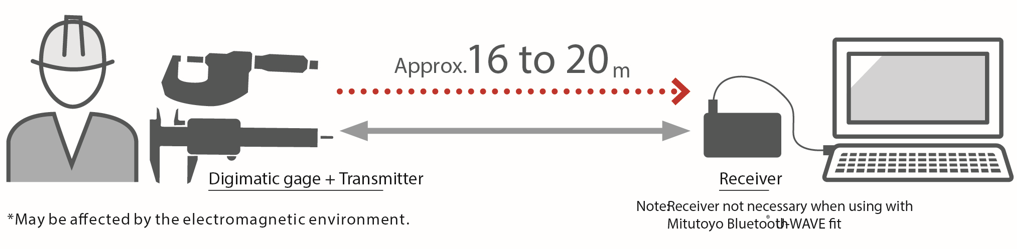
Introduction to the U-WAVE Product Lineup
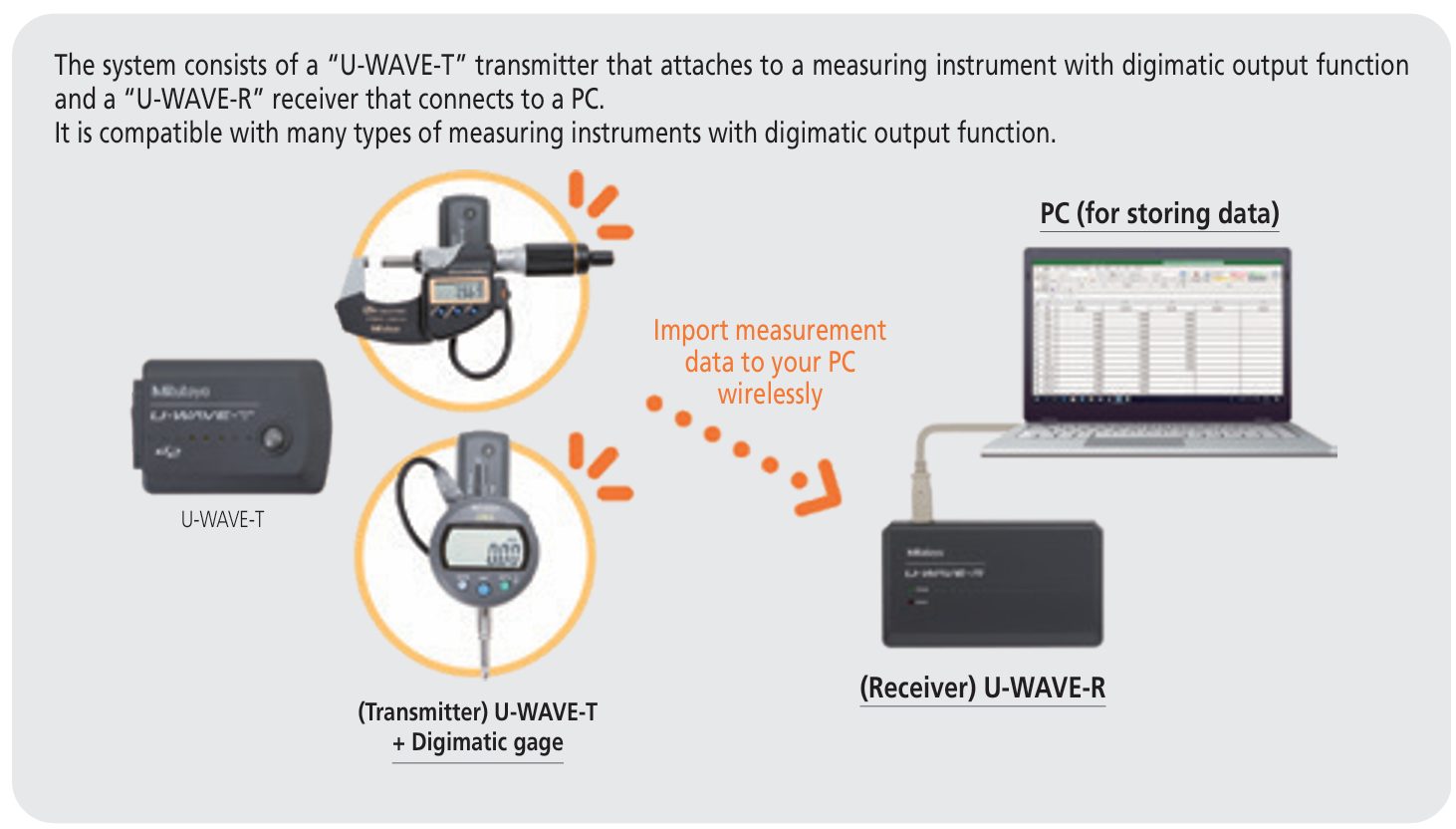
U-WAVE-T
U-WAVE Send measurement data to your PC
|
U-WAVE-T Send measurement data to your PC
|
U-WAVE-TM/TC (U-WAVE fit) Fits onto Digimatic gages for improved operability
|
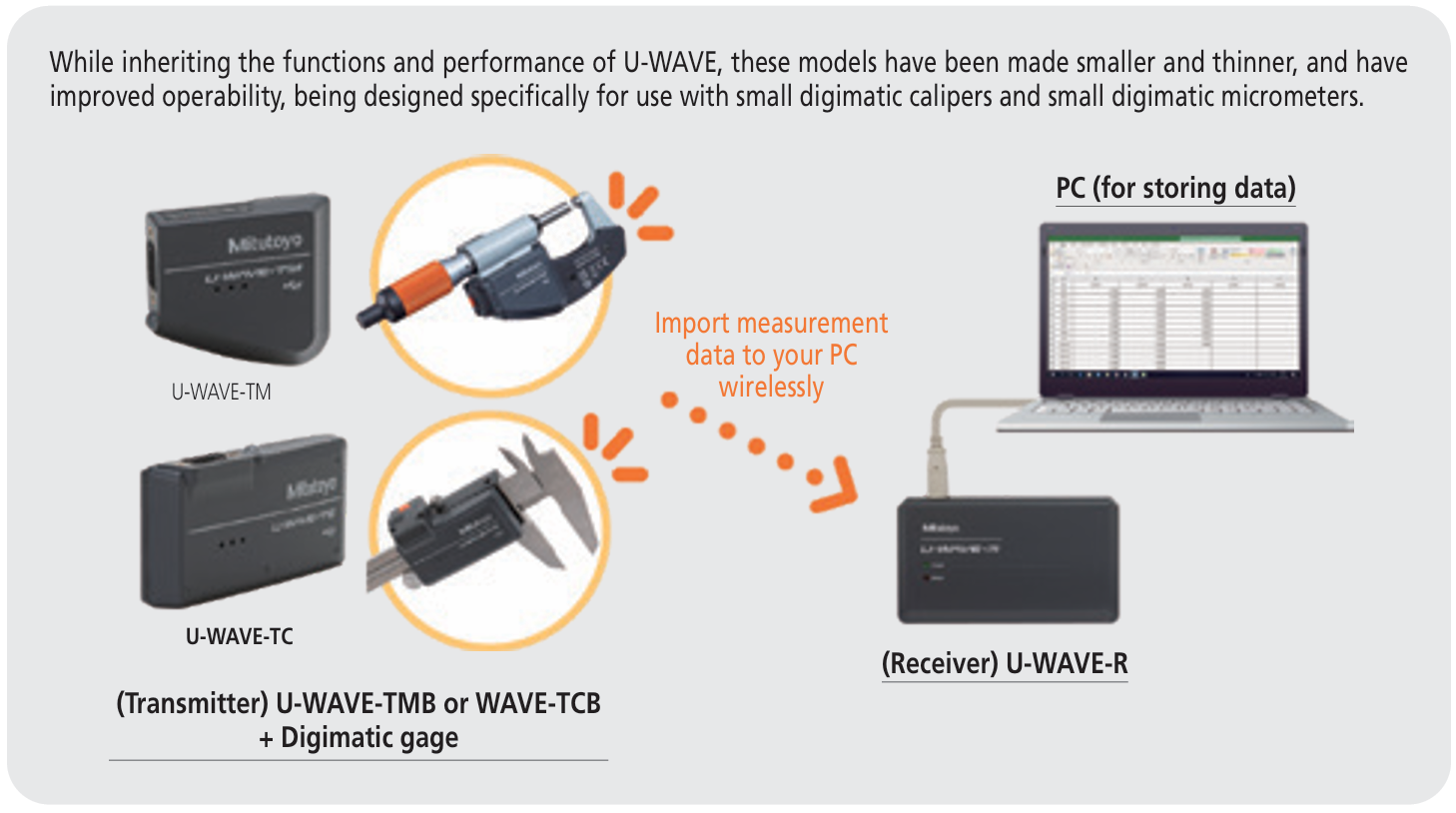
U-WAVE-TMB/TCB (U-WAVE fit Bluetooth®)

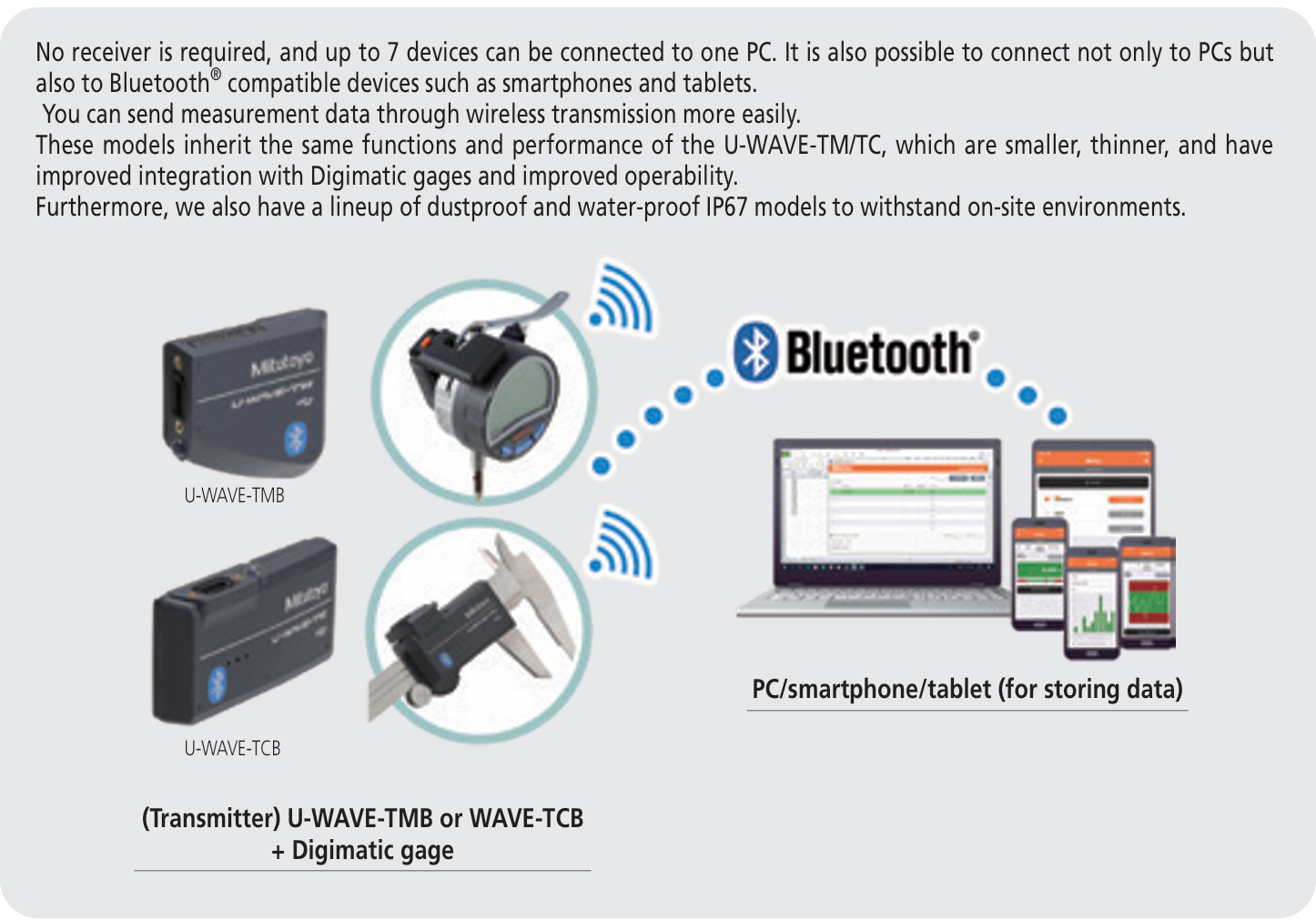
Connectivity of the dedicated Mitutoyo Bluetooth® U-WAVE application and U-WAVE-TMB/TCB to every single Bluetooth® device is not guaranteed.
* If using U-WAVE/U-WAVE-fit, please note that it does not support bidirectional serial communication.
* Only some models are IP67 compatible. For details, see pages 19 to 22
Function comparison table
| U-WAVE | U-WAVE fit*1 | U-WAVE fit Bluetooth® *1 | |
| Transmission method | Original | Bluetooth® 4.2 | |
| Communication distance | Approx. 20m (line of sight) | ||
| Connectible model | Digimatic gages | Digimatic calipers, micrometers,indicators and linear Height | |
| Dedicated application/software | U-WAVEPAK USB-ITPAK*2 |
U-WAVEPAK-BW U-WAVEPAK-BM U-WAVE Navi USB-ITPAK*2 |
|
*1 Please check the list of compatible models since the unit may not be attachable to some models.
*2 Please note that USB-ITPAK may not be recognized if your computer's OS build is old.

Share on Facebook

Share on X

Share on Pinterest
Comment(s)
Recent Posts